If you changed a thumbnail and felt “youtube algorithm throttling,” you’re not alone. This guide explains how YouTube really promotes videos, what a thumbnail swap does (and doesn’t) do, and the exact steps to recover momentum without guesswork.
Table of Contents
- What creators call “throttling” (and what it really is)
- How promotion works in 2025: CTR, watch-time, satisfaction
- Does changing a thumbnail reset anything?
- A/B testing with YouTube’s Test & Compare (the safe way)
- Debug playbook when impressions dip after a change
- Upload & promotion checklist that survives re-encode
- FAQ
- What to do next
What creators call “throttling” (and what it really is)
“Throttling” is the feeling that YouTube is holding a video back. In practice, distribution is continuously adjusted based on predicted viewer satisfaction. If the system sees lower likelihood of a viewer clicking and watching with satisfaction compared to nearby options, it simply shows your video less. That’s not a penalty; it’s ranking logic. The fix is improving relevance (title/thumbnail) and retention (the first 30–60 seconds and beyond), then giving the system new evidence.
How promotion works in 2025: CTR, watch-time, satisfaction
- Impressions: initial sampling on Browse/Notifications to your likely audience.
- CTR: your thumbnail/title must win the click against neighboring options.
- On-video performance: average view duration, early retention (0–30s), and completion rate.
- Satisfaction signals: likes/comments/shares, survey signals, returning viewers behavior.
- Personalization: matching a viewer’s history and current session intent.
As evidence improves, the system tests your video in wider contexts (Suggested/Search). No single metric “unlocks” promotion; the combination does.
Does changing a thumbnail reset anything?
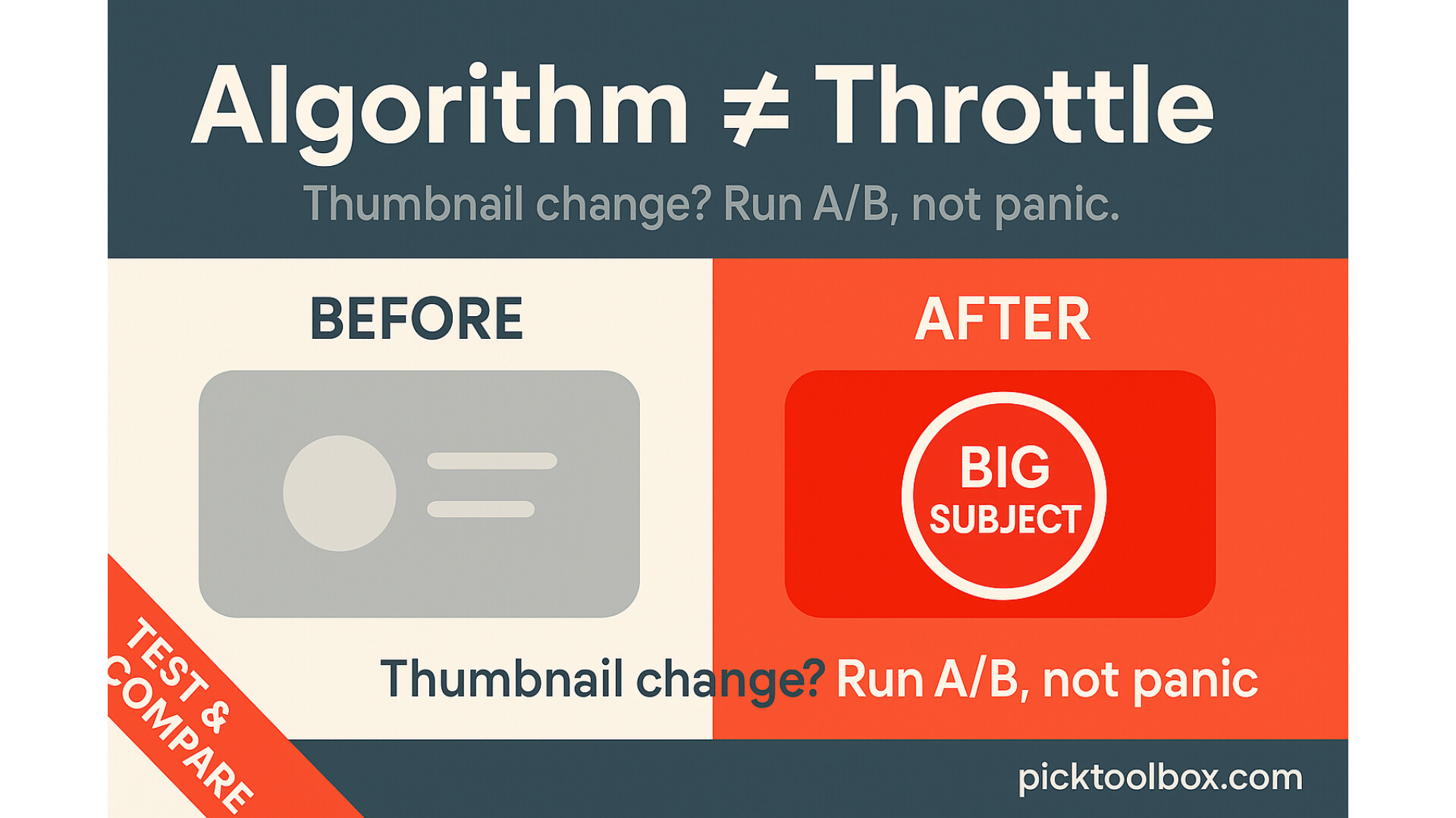
No—swapping thumbnails does not wipe history or “shadowban” your video. YouTube simply starts collecting new CTR evidence for the new creative. If CTR and subsequent retention improve, distribution can expand. If they worsen, impressions can contract. That’s why you should change deliberately, measure, and avoid rapid flips.
A/B testing with YouTube’s Test & Compare (the safe way)
YouTube Studio lets you run Test & Compare thumbnails (up to 3 variants). Use it whenever possible instead of manual swaps.
- Where: YouTube Studio → Content → pick video → Thumbnail → Test & compare.
- Run length: 24–48 hours or until each variant has sufficient impressions.
- Winner: YouTube auto-picks a winner based on watch-time share, not just CTR.
- What to vary: face/subject scale, eye-line, background color, 3–5 word promise, brand plate, left–right composition.
Debug playbook when impressions dip after a change
- Policy sanity check: Make sure there’s no age restriction, copyright block/claim with limited visibility, or limited ads flag.
- Compare CTR before/after: Studio → Reach → set a date compare window. If the new creative lowers CTR, revert or test a third option.
- Retention audit: Engagement → Audience retention. Your first 30s should hold 65–75% for tutorials/education; tighten if it dips.
- Traffic sources: If External blasts sent low-retention viewers, that can stall recommendations. Promote to qualified audiences only.
- Neighbor scan: Search your main query; ensure your colors/composition/promise stand out against the top 5 competing thumbnails.
- Run a structured A/B: Use Test & Compare; don’t flip thumbnails every few hours.
Upload & promotion checklist that survives re-encode
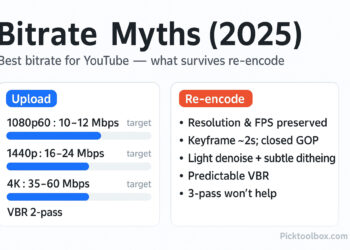
- Upload the highest practical resolution (2160p if possible) and a clean encode; higher quality unlocks better transcodes.
- Title + Thumbnail promise match: one clear outcome, zero ambiguity.
- Script the first 30–45 seconds to pay off the click immediately; remove slow preambles.
- Use Chapters (00:00–…); add keywords naturally in the description, not stuffed.
- After publish, one structured promotion to your warm audience; avoid unqualified blasts.
- If you change thumbnail/title, document the timestamp and watch metrics to compare.
FAQ
Does a thumbnail change cause “youtube algorithm throttling”?
No. The system keeps your watch history and continues testing with the new creative. If CTR/retention improve, distribution usually improves.
Can I change title and description after publishing?
Yes. Edits are fine if they better represent the video. Avoid keyword stuffing or bait-and-switch.
How long should I run a thumbnail test?
Typically 24–48 hours, or until each variant has enough impressions for a clear winner.
What’s a good CTR?
It varies by surface. As a rough heuristic, aim for 5–7%+ on Browse; focus more on retention and satisfaction than chasing CTR alone.
What to do next
- Run a Test & Compare thumbnail on a recent video for 24–48h.
- Use the Thumbnail Test Log (download below) to track CTR/AVD by variant.
- Audit your video with the Throttling Debug Checklist (download below) and fix the first weak link.
- Thumbnail-Test-Log
- YT-Throttling-Debug-Checklist Thumbnail-Test-Log