Best AI Extensions for Gmail Writing (Fast Email Replies)
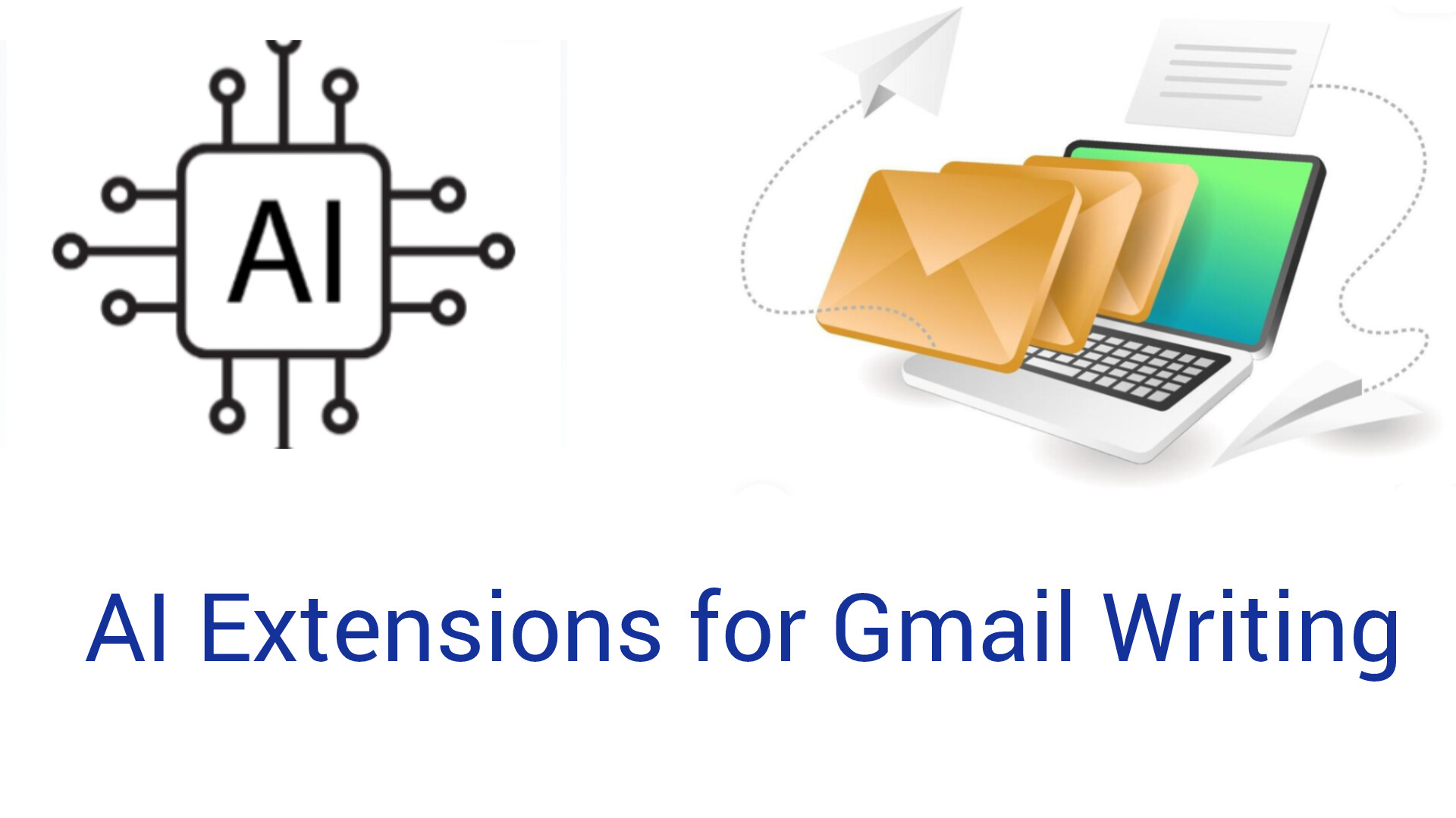
If you’re tired of typing email replies over and over, AI extensions for Gmail can be a total game-changer. With just a click (or a shortcut), these tools generate smart, context-aware replies, summarize threads, or help you draft from scratch — saving you *massive* time. Below are my top free picks in 2025, based on real use and privacy.
Why Use an AI Extension for Gmail?
- You save time on repetitive replies
- Quality of writing improves — more polished and consistent tone
- No switching between tabs — it works inside Gmail
- Good for managing high-volume email workloads
Top Free AI Extensions for Gmail
1. HIX AI for Gmail
HIX AI lets you write, summarize, and reply to emails directly within Gmail. Just type // in the compose box to generate a response or draft. You can pick from **13 different tones**, so your reply matches exactly what you’re going for.
Why it’s useful: Perfect for fast replies, follow-ups, or even drafting cold emails. The tone options make it feel less robotic and more like *you’re writing*.
2. SuperReply
SuperReply is a simple but powerful AI email responder. It suggests reply options and helps you match tone — professional, friendly, or something in between.
Why it’s useful: Ideal when you want quick, polished replies without leaving Gmail. Their free tier offers **up to 90 replies/month**, which is enough for most daily users.
3. MailSome AI Email Writer
MailSome lives right in Gmail — no copy-pasting. It reads the thread, suggests replies in context, and lets you choose tone: professional, friendly, or formal.
Why it’s useful: Great for business or customer support emails. The free version gives you **5 AI-generated emails per day**, which adds up if you use it smartly.
4. AImReply
AImReply is a lightweight Chrome extension that drafts replies fast. Select a tone, type a few directions, and get draft responses in seconds.
Why it’s useful: It’s very flexible — supports multiple languages, it’s free, and a solid choice for both professional and personal email writing.
5. JetWriter AI
JetWriter AI is super smart: it can reply, summarize, fix grammar, and even translate. It works on Gmail (and other platforms) and lets you choose the writing tone to suit your style.
Why it’s useful: If you deal with complex conversations or want a more personalized AI assistant in Gmail, JetWriter gives you more control than most simple reply tools.
How to Choose the Right Gmail AI Extension for You
- Volume: For heavy email users, pick something with higher free quotas (SuperReply or JetWriter).
- Tone control: If you care about how the message *sounds*, HIX and JetWriter are excellent.
- Use case: For summarizing long threads, go with HIX. For quick replies, AImReply or MailSome!
- Privacy: Check if the extension processes data locally or sends it to a server — SuperReply emphasizes privacy.
Pro Tips for AI Email Replies
- Always review AI-suggested replies — tweak them to add personal nuance.
- Create a prompt list or “reply templates” inside the extension for FAQ-like emails.
- Use AI to draft, then add a 2-sentence human touch before sending.
- Set keyboard shortcuts (if supported) to trigger the AI — saves tons of time.
Common Mistakes to Avoid
- Relying 100% on AI — never send without a quick layer of editing.
- Ignoring context — let the AI read the full thread for better replies.
- Overusing “formal” tone — for many Gmail replies, more relaxed tone works better.
- Not customizing — most tools let you tweak settings, don’t stick to default if it’s not “you.”
Conclusion
Using AI extensions for Gmail isn’t just a productivity hack — it’s a way to make your email communication sharper and faster. Depending on your style and volume, pick one or two of the tools above, set up a few quick templates inside them, and let AI handle the heavy lifting. You’ll still personalize when it matters — but you won’t waste time typing everything from scratch.