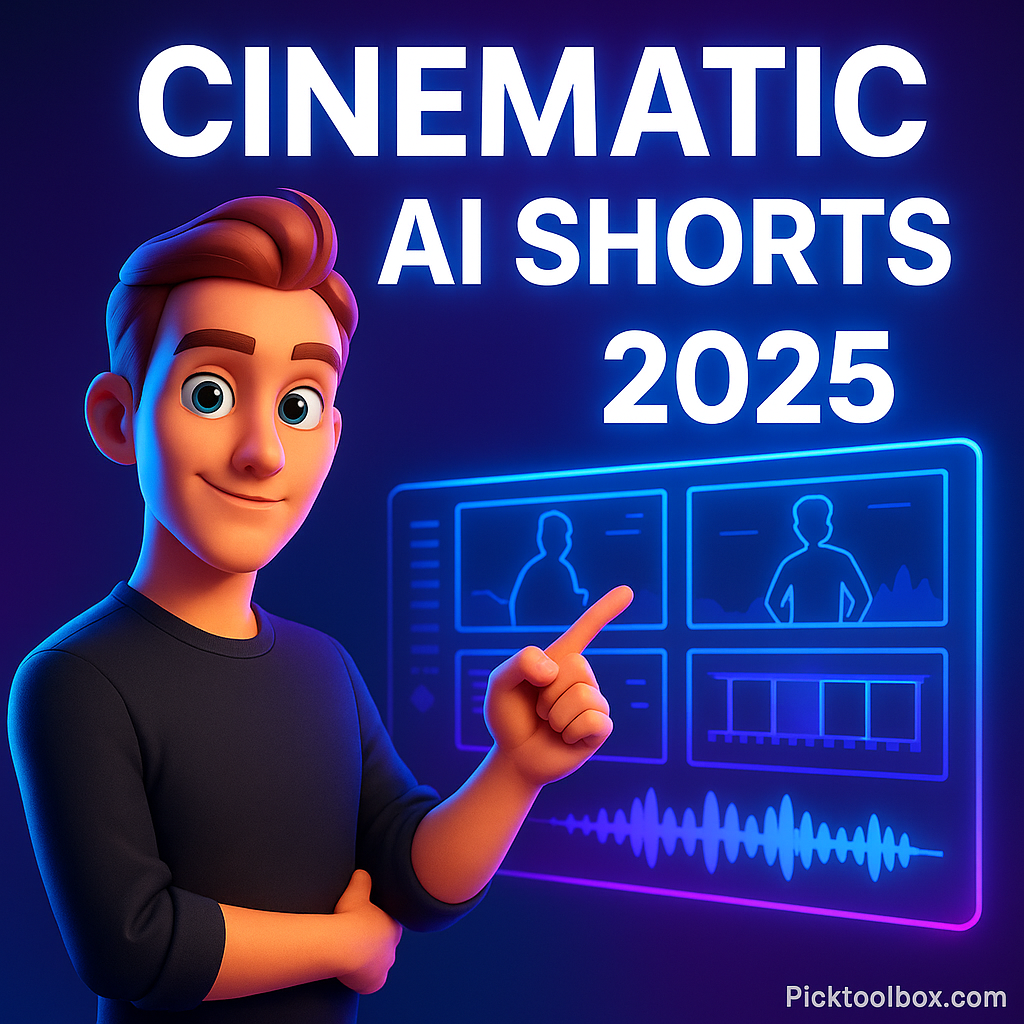
Cinematic AI Shorts are becoming the new cheat code for growth on TikTok, YouTube Shorts, and Reels. Creators are getting millions of views without cameras, actors, or a budget—just smart AI tools. If you’ve ever watched a Zack D short and wondered how he creates that dramatic pacing and storytelling, you’ll learn how to replicate it today for free.
Table of Contents
- Why This Method Works in 2025
- The Full AI Workflow (No Gear Needed)
- Step 1 — Generate Viral Story Ideas
- Step 2 — Turn Stories into Cinematic Scenes
- Step 3 — Create Hyper-Realistic AI Voiceovers
- Step 4 — Animate Still Images into Moving Shots
- Step 5 — Edit Like Zack D (Free CapCut Workflow)
- Can These Shorts Be Monetized?
- FAQ
Why This Method Works in 2025
The reason Cinematic AI Shorts are exploding is simple: short-form platforms reward stories, not production. Zack D spends around $3,000 per video because his pacing, emotion, and hooks keep people watching. AI gives you the same storytelling power without paying a team of designers, animators, or voice actors.
With the right workflow, you can produce 5–10 shorts per day that feel like a mini-movie—without scripting paralysis or expensive gear.
The Full AI Workflow (No Gear Needed)
This is the exact stack we’ll use, all free or freemium:
- ChatGPT — viral ideas + script writing
- Nano Banana — cinematic scene images
- 11 Labs — human-like voiceovers
- Grok — animate images into moving video shots
- CapCut — final edit, captions, export
Once you understand each step, you can produce shorts on autopilot.
how to make Zack d 3d Animation YouTube
Step 1 — Generate Viral Story Ideas
Zack D’s magic starts with stories based on real events, tension, fear, conflict, or curiosity. You don’t brainstorm manually—you use prompts that extract viral, emotionally charged ideas.
Example result from the method:
- A coffin inventor in the 19th century who added bells for survivors
- A man who woke up during his own funeral
- A bridge that hums when storms approach
Each one is built for retention—your only job is to choose one that hits you emotionally.
Step 2 — Turn Stories into Cinematic Scenes
Now that you’ve selected your story, it’s time to transform it into visual scenes. This is where Cinematic AI Shorts become indistinguishable from expensive studio productions.
Inside ChatGPT, use your rewritten script and ask it to produce visual prompts for each scene. The output looks like a shot list from a film director:
- Wide shot — dusty 19th century graveyard at dawn, fog rolling in
- Close-up — trembling hand scraping wooden coffin lid
- Extreme close — rusty bell shaking above the grave
Each line becomes a shot. Now feed those prompts into Nano Banana.
Why Nano Banana?
It produces images with cinematic lighting, depth of field, and emotional tone. And with a 9:16 reference image, every output matches the Shorts format.
Repeat until every scene in your script has its own visual.
Step 3 — Create Hyper-Realistic AI Voiceovers
A strong voiceover is what separates scroll-past shorts from scroll-stoppers. Using 11 Labs, paste your script, choose a voice, and generate narration that feels real—breaths, pauses, and emotional pacing included.
Tip: Zack D–style pacing includes:
- Short, impactful sentences
- Pauses before major reveals
- Emphasis on emotionally heavy words
You can even clone your own voice later, but the default voices are more than enough to get started.
Step 4 — Animate Still Images into Moving Shots
This is where magic happens. Still scenes turn into cinematic clips using Grok.
Upload each Nano Banana image → add a short motion prompt → hit generate.
Example motion prompts:
- “Slow forward camera push, eerie tension”
- “Soft zoom, candle flicker, dusty air particles”
- “Hand trembling, bell shake, metal rattle”
In seconds, you get living scenes that feel like real footage.
Do this for each image until your full cinematic sequence is ready.
Edit Like Zack D Using CapCut
You now have your clips and voiceover. Open CapCut and drop everything into the timeline.
Your editing targets:
- 1–2 second cuts — no dead air
- Big reveal at the midpoint
- Cinematic captions with bold keywords
- Sound bed for tension and emotion
Once done, export in 1080×1920 at high bitrate. You’ve now produced a Zack D–style cinematic AI short.
Can These Shorts Be Monetized?
Absolutely. In 2025, AI Shorts with original scripts and audio pass monetization checks as long as:
- You own the voice rights or have a license
- Your visuals are original, not ripped footage
- You add narrative value—algorithm detects intent
Creators using this exact workflow are earning from:
- Shorts revenue sharing
- Sponsorships
- Affiliate products
- Digital assets (sound packs, presets, prompts)
FAQ
Can AI shorts go viral without showing my face?
Yes. 60% of viral Shorts in 2025 do not include the creator’s face.
Will YouTube detect AI content?
No issues if your story, pacing, and visuals are original. Repurposed content is what gets flagged—not AI-crafted creations.
How many AI shorts should I post?
3–7 per week is enough to trigger the recommendation system.
Final Thoughts
You don’t need a studio, actors, or a budget to create cinematic shorts. You only need a story with tension, AI tools that bring it to life, and a workflow that doesn’t break your creativity. Right now, the window is wide open—but it won’t stay this way forever.
Want to shortcut setup time? Download the complete blueprint below and start producing your first AI cinematic short today.